Feedback
Salesforce Reports
Published Date: 17-03-2026
Read Time:
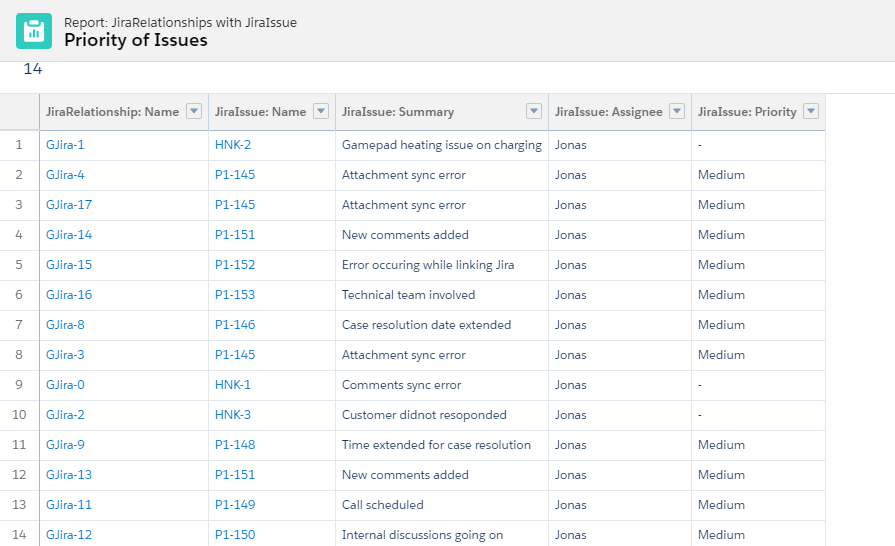
Jira issue records and all the custom mapped field details can be shown in the reports. To do so, enable the reporting checkbox for each field mapping.
Reporting, however, is enabled by default for standard fields like Summary, Description, IssueType, Status, Reporter, Priority, Labels, and Assignee.
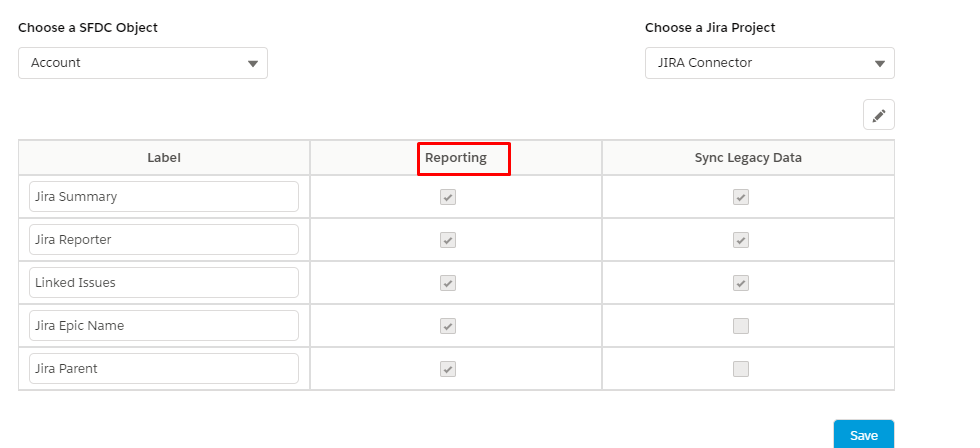
Click Edit to enable reporting and save changes.
Generating Reports
Follow the given steps to generate the reports:
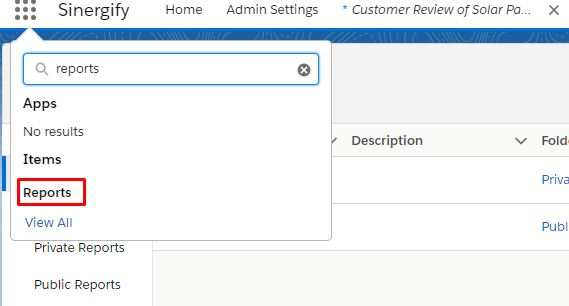
Step 1: From App Manager, search Reports and click on it from the search results.
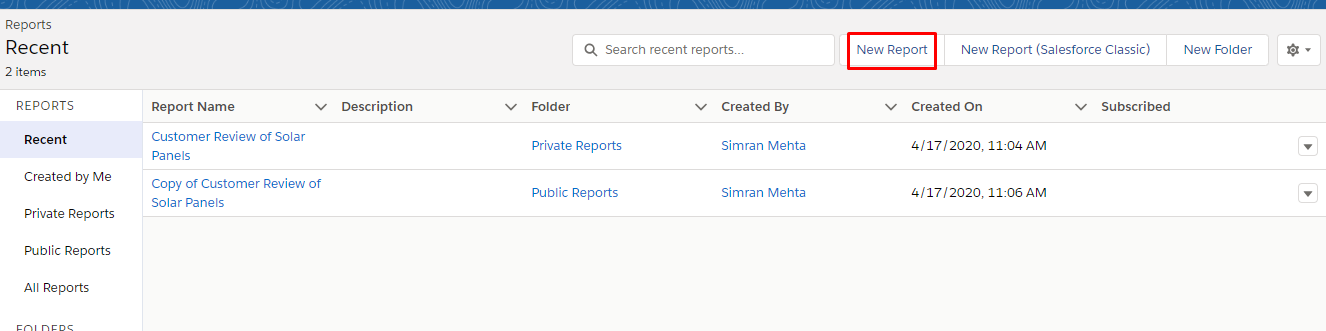
Step 2: Click ‘New Report’.
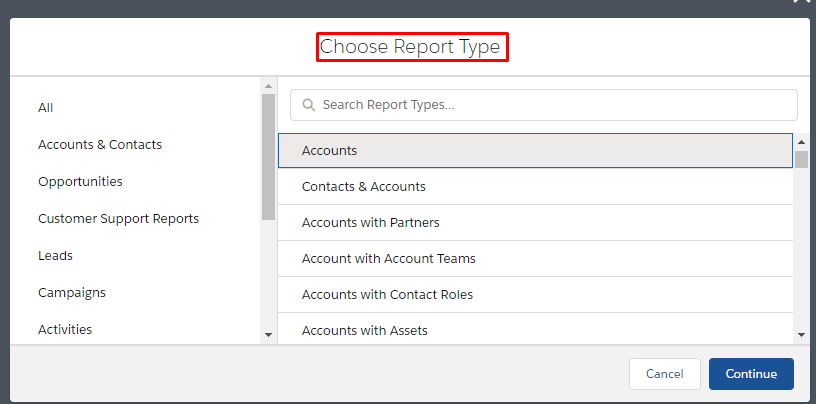
Step 3: Select the report type and click ‘Continue’.
Step 4: Add the fields required in the columns.
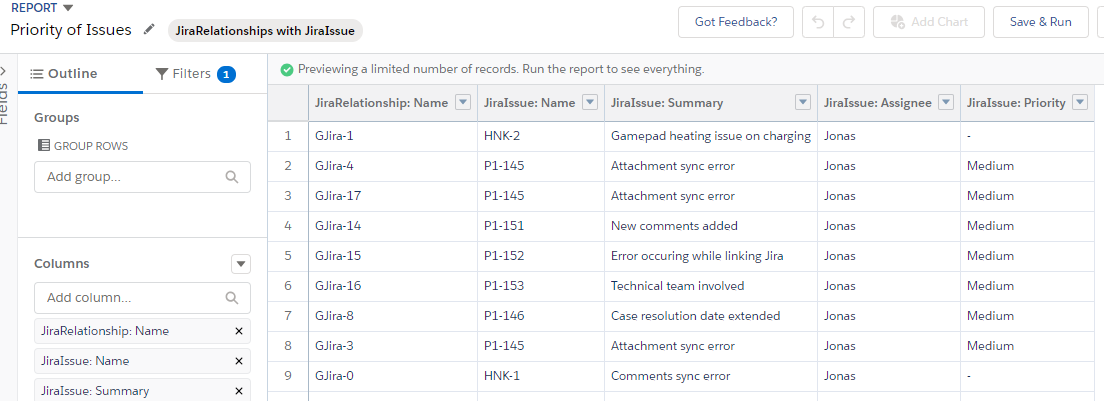
Step 5: Save and run to view the whole report.