Feedback
Reporting
Published Date: 17-03-2026
Read Time:
Reporting allows the users to use the Jira fields mapped through Project Mapping/Global Mapping to create reports in Salesforce.
To make a mapped field available in the report, follow the given steps.
Step 1: Click Reporting from Fields Configuration sub-tab.
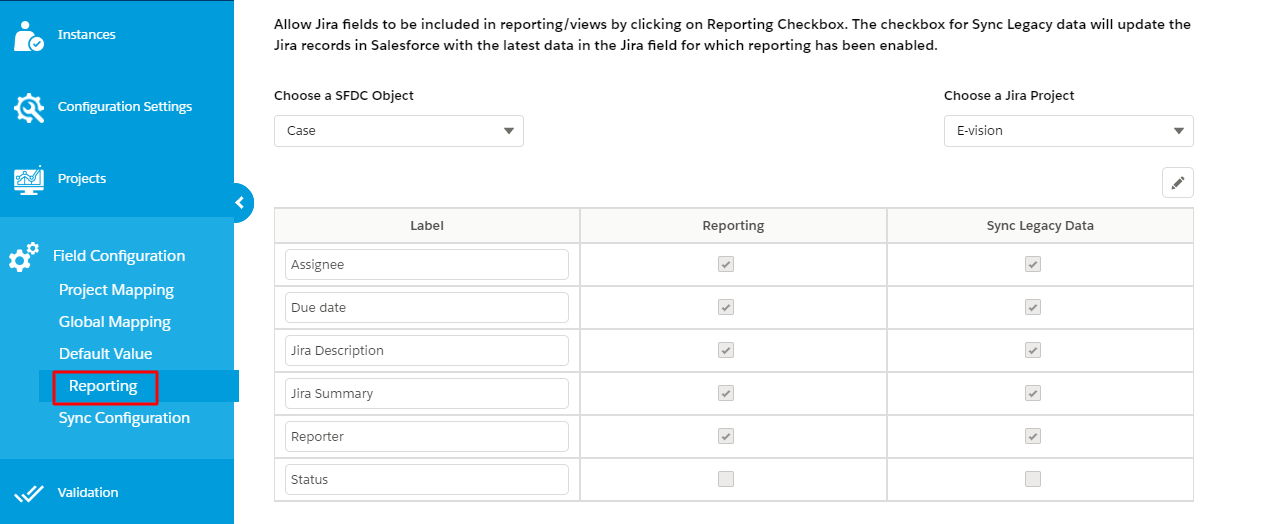
Step 2: Select an appropriate Jira project for which you want to enable reporting.
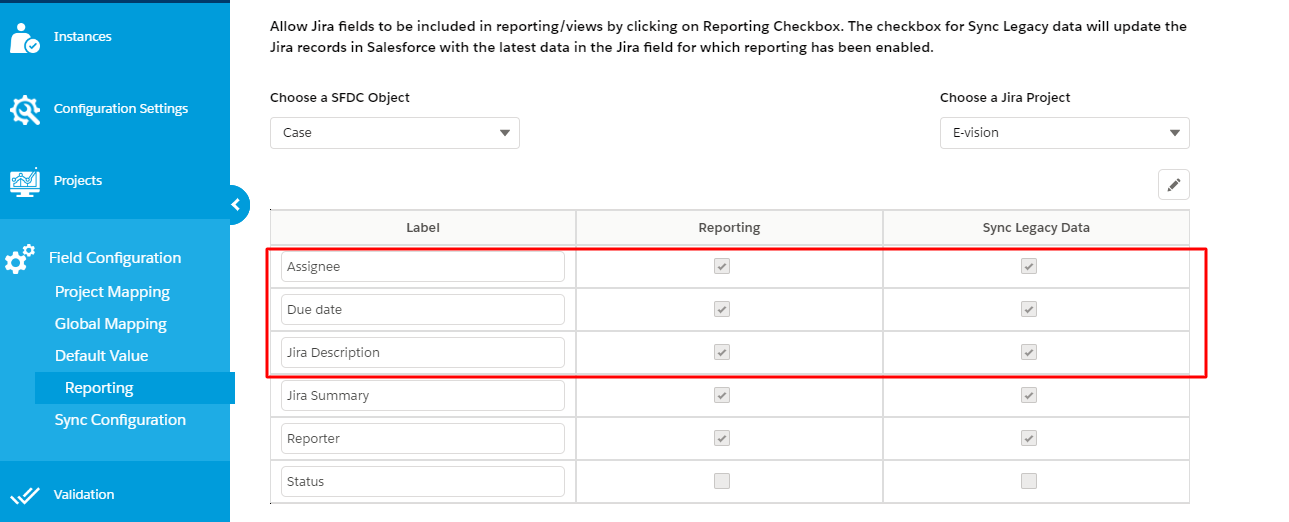
Step 3: You will see some standard fields on the page for which reporting is already enabled and these fields will be visible in the report for use.
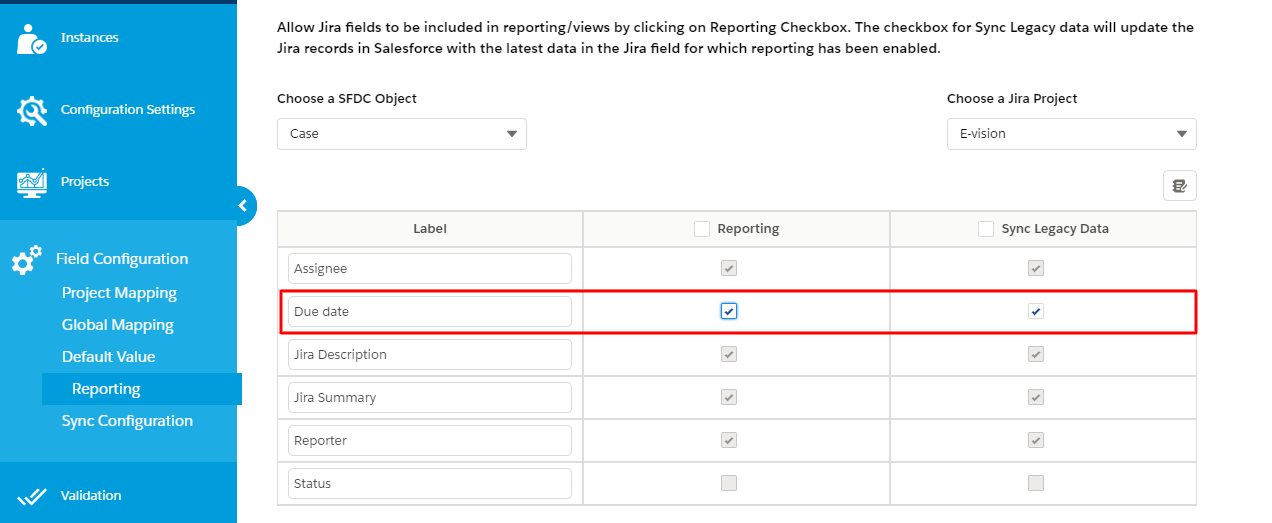
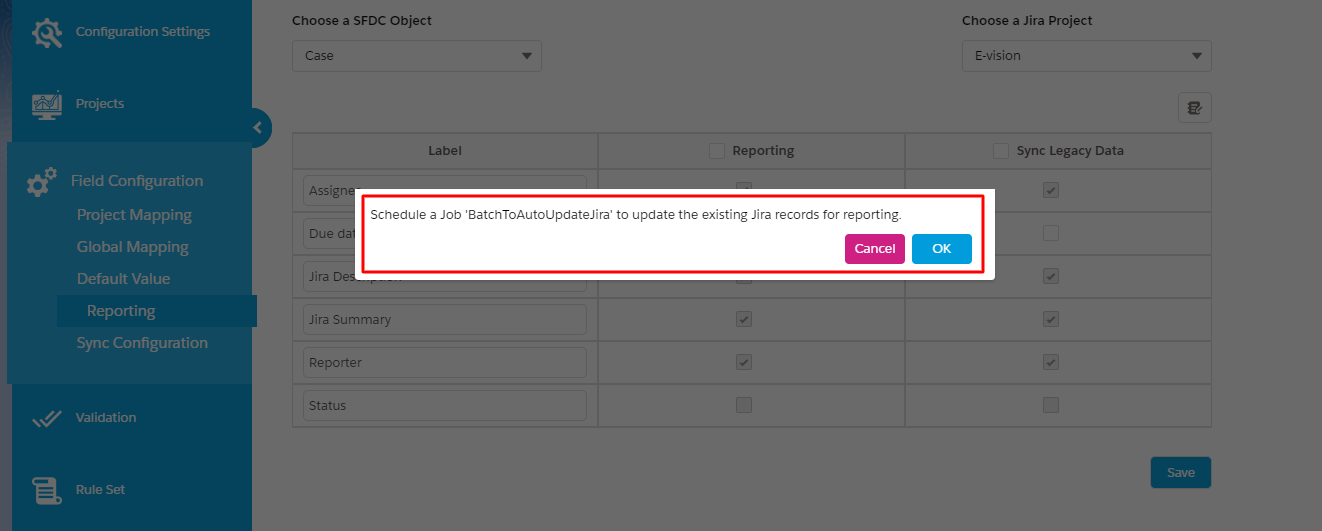
To enable reporting for the newly mapped field, press edit and check Reporting and Sync Legacy Data.